
Logging in itself is nothing special: email and password, on desktop or mobile. What causes confusion is specific to this operator, not to logins in general: the page sometimes won't load at all, and that's usually not your account's fault. For why the domain moves in the first place, see the Royal Reels sister sites and mirror domains and legal status sections of the main Royal Reels Australia page; this page applies that background to the one moment it matters most, logging in.
How to log in
- Go to the domain you registered on, or a mirror you've confirmed is real (see below), and open Log In from the top-right of the page.
- Enter the email and password set at sign-up. Both fields are case-sensitive; leaving Caps Lock on from typing the email is a common, easily missed cause of a rejected password.
- Let the Cloudflare check clear if it appears. It runs automatically and usually finishes in a few seconds, but a slow connection can leave it spinning longer.
- Enter your 2FA code if it's switched on. See below if the code doesn't arrive.
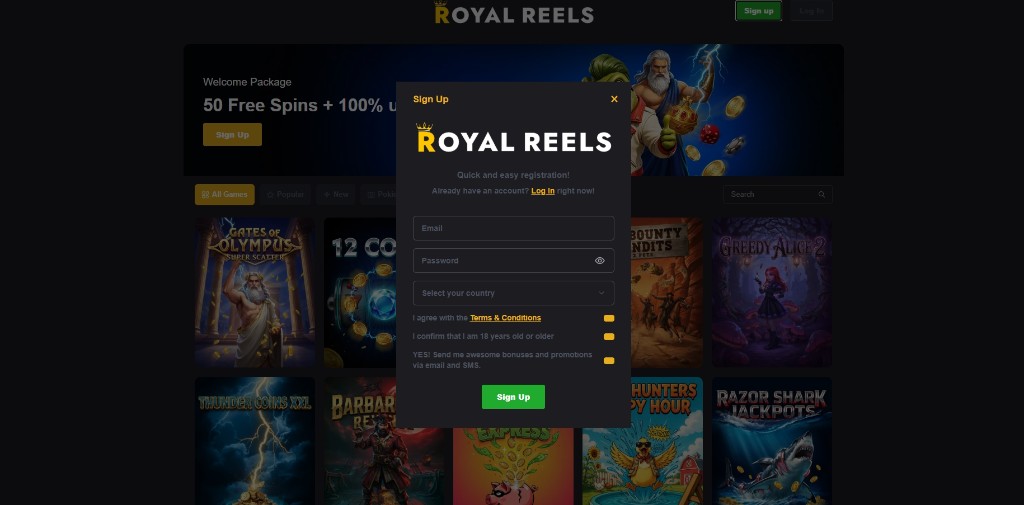
Once you're in, the session carries your balance, verification status and play history between devices. Start on desktop, pick it up on mobile, no second login required, and it works the other way round too. The one thing that doesn't travel is a "remembered device" flag for 2FA: that's tied to the browser itself, so a new device, a different browser or cleared cookies means entering a code again, even on an account that's already trusted elsewhere.
When the page won't load
This is what trips people up most, and it's got nothing to do with a bug on this page. The domain was named in an ACMA blocking request to Australian ISPs in July 2023, so a domain that won't load isn't necessarily down, it might just be blocked at the ISP level inside Australia while working fine everywhere else. Two ways to tell which is which before assuming the account is the problem:
- Switch networks, mobile data instead of home Wi-Fi or the other way round. If the page loads on one and not the other, that's an ISP-level block on that domain, nothing to do with the account.
- Check whether the domain number has simply moved on. The operator jumps to a freshly registered mirror once an old one gets blocked, so a domain that's stopped resolving is often superseded rather than broken. Find a current link from a source already trusted rather than guessing at the next number.
A "can't find server" or DNS-style error points to a block. An actual error page from the operator, a maintenance notice or a 500, means a genuine outage instead, and that usually clears on its own within hours. One more way to confirm it either way: a VPN pointed somewhere outside Australia getting through where the direct connection didn't is a decent sign the problem is the ISP, not the account. None of this touches the balance or verification sitting on the account, the fix is reaching it through a working domain, not resetting anything.
Fixing login errors
- "Incorrect password" on a password you're sure is right: reset it instead of retrying more than two or three times. Repeated failed attempts is one of the documented triggers for an account lock, and a reset takes under a minute anyway.
- Account locked after failed attempts: contact live chat to unlock it rather than keep trying; more attempts on a locked account extends the review instead of resolving it.
- 2FA code not arriving? See the resend advice under two-factor authentication below, it's the same fix whether the code is for a login or a password reset.
- Page loads but the login form doesn't respond: clear cache and cookies for that domain instead of just refreshing. A cached version of an old mirror's login script is a common cause once the operator has moved on.
- Logged in, but the balance or history looks wrong? Check the URL bar against the domain you registered on, an empty account on an identical-looking page is the sign of a lookalike domain, not a glitch (see below).
- Redirected somewhere unexpected right after entering a password: stop, don't enter anything further. A real login lands on the account dashboard, not a fresh sign-up form or a page asking for card details again.
Two-factor authentication
2FA is optional and off by default, and it's worth switching on for one plain reason: a stolen password on its own isn't enough to get into or drain an account once 2FA is active, since login also asks for a time-limited code sent separately. Turn it on from the account settings menu once logged in; from that point it applies to every login on that account, not just the next one.
The practical wrinkle is device trust. Marking a device as "remembered" skips the 2FA prompt on future logins from that browser, but the trust doesn't transfer to a new device, a different browser or a cleared cookie store. So expect a code prompt the first time you log in from somewhere new, even with 2FA already switched on. If a code doesn't arrive, check spam first, account and verification emails route through [email protected] and land there on Gmail more often than not. Wait around 60 seconds before requesting a resend rather than firing off several in a row, which some providers throttle, and if it still hasn't landed after two attempts, contact live chat instead of repeating the request, that's usually an email delivery issue on the provider's side, not the account.
Spotting a fake login page
The domain-rotation pattern documented in the Royal Reels sister sites section opens a door for phishing that's separate from the WHOIS-level mirror checking covered there. Players already expect the URL to change without warning, so a lookalike domain with the same layout and the next plausible number is a cheap way to harvest a password, and there's no instinct telling you to be suspicious of it. A few things matter at the point of logging in specifically, rather than when registering:
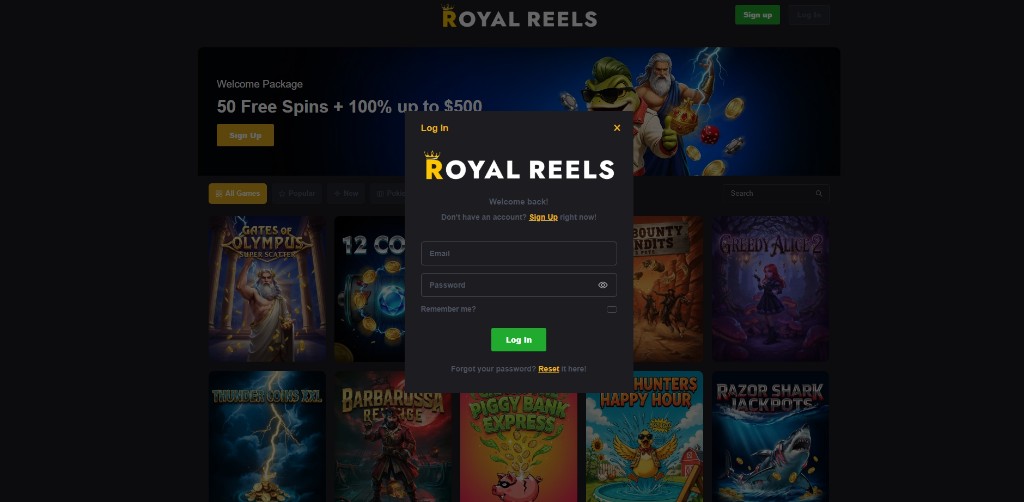
- Reach the login page through a bookmark or a link from a source you already trust, not a sponsored ad, a forum post promising a bonus, or a link inside an unsolicited SMS or email claiming the account needs re-verification.
- Never re-enter a password after clicking a login link inside an email or SMS you didn't request. A real security prompt from the operator doesn't ask for a click-through login from that message, go to the domain directly instead.
- Check the account itself right after logging in, not just how the page looked beforehand. A fresh-looking account, a missing balance or missing play history on a domain you've used before is the clearest sign you're on a lookalike, even if the page looked identical.
One more red flag worth knowing on sight: a login page asking for more than email and password up front, a full card number, say, or a 2FA backup code before the first two fields are even submitted, isn't how the real form behaves. Treat it as an attempt to grab more than just a password.
Here's the part that makes this riskier than it sounds: the same email and password combination works across every real mirror of this operator, so a password harvested on one fake domain compromises the actual account too, not just a copy of it. That's a sharper risk than phishing against a site with one fixed domain, where a lookalike URL is easier to spot on sight simply because the real site never moves. If you've ever entered a password on a domain you're now unsure about, reset it now rather than wait and see if anything goes wrong.
Resetting a password
- Click "Forgot your password?" on the login form and enter the email tied to the account.
- Check inbox and spam for the reset email; like the verification email, it can take a minute or two and lands in spam on Gmail more often than not.
- Set a new password from the link. It doesn't need to match the old one and doesn't require the old password to confirm, only access to the registered email.
Losing access to the registered email is the one thing a standard reset can't fix. That needs live chat, with whatever account details and transaction history you can supply so they can verify ownership manually. It takes longer than a normal reset, because it's really an identity check rather than a password change.
Verification holds at login
Most logins are uneventful, but the account-monitoring system behind Royal Reels can flag a login as unusual on its own, not only a withdrawal, per the criteria covered in full on the AML and KYC page: logging in from a jurisdiction the operator treats as non-reputable, a device or IP shared with another flagged account, or a pattern its automated system reads as irregular. A login-time flag usually shows up as restricted cashier access or a request for more verification before a deposit or withdrawal, rather than being locked out outright. Supplying whatever's asked for promptly clears it faster than pushing back on it, and the trigger list plus the Enhanced Due Diligence process itself are covered on that page instead of repeated here.
Frequently asked questions
Why does the page time out with no error?
A silent timeout, no error page at all, is the ISP-block pattern described above rather than a server-side fault. See the network-switching check earlier on this page.
Does a new mirror mean a different account?
No, a real mirror of the same operator shares the same account, balance and verification status, none of that is tied to one domain. If a login shows an empty or unfamiliar account, that's the lookalike-domain problem covered above, not a second account being created.
Does the login session expire?
Sessions survive a normal browsing session, including closing the tab, but clearing cookies, opening a private window, or switching browsers ends it, and you'll need to log in again, 2FA code included if it's switched on.
How many wrong attempts lock the account?
The exact number isn't published, only that it happens (see above), so treat two or three misses as the cue to reset rather than keep guessing.
Does self-exclusion block the login page?
Yes. Self-exclusion locks that specific account against logging in for the period you select, on top of the marketing opt-outs. It's account-level, not a domain or device block, and it doesn't extend to other Curacao-licensed operators; see the responsible gambling page for how the lock actually works and what it doesn't cover.
